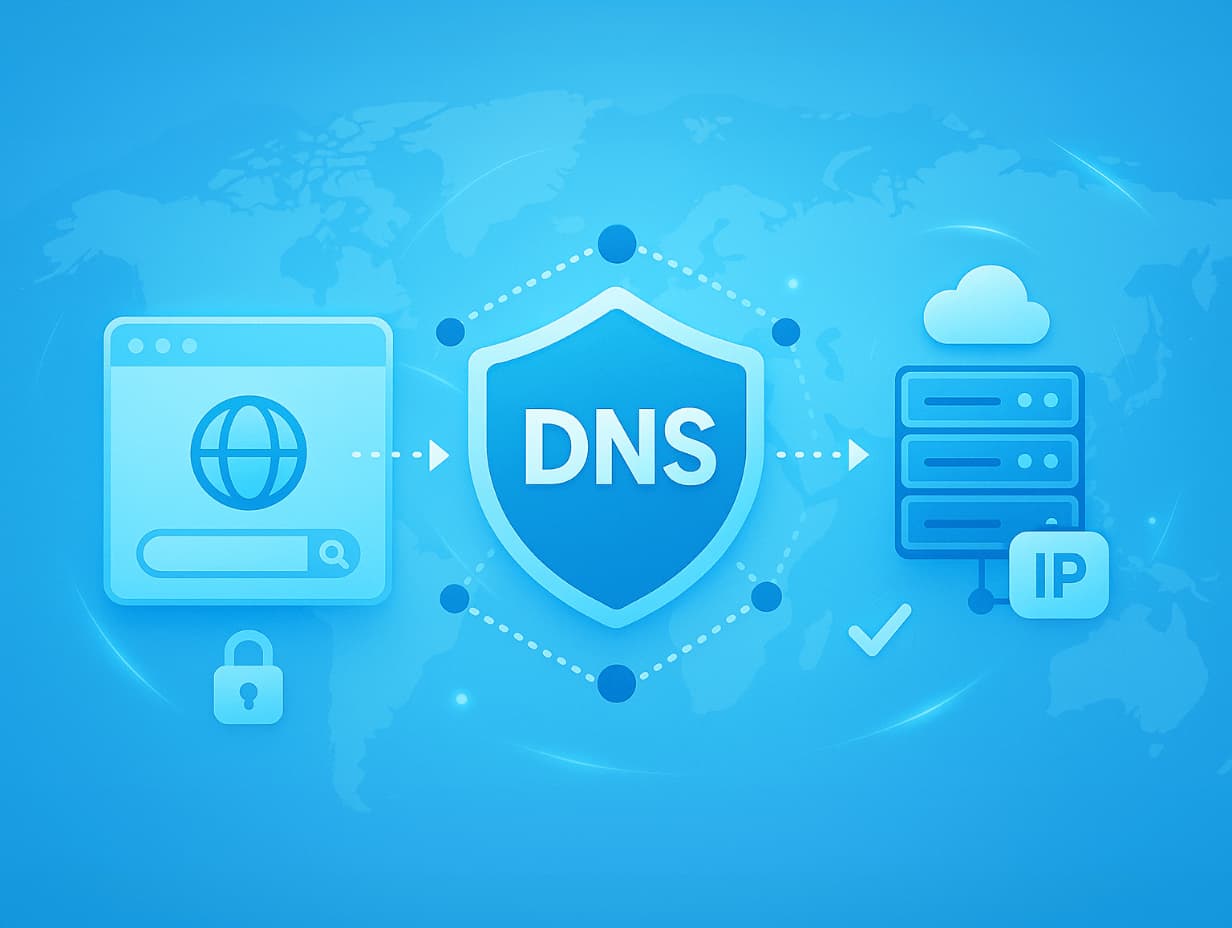
DNS (domain name system) is a domain name system that acts as a directory of Internet site names. It translates a domain name into a corresponding IP address, which is used by a web browser to download the resources a user needs (e.g., this article). DNS is used worldwide to track, register, and manage websites.
To get a more detailed understanding of DNS, you need to understand how it works. But first, let’s explain the terms we need to know.
IP address (Internet Protocol address) is an identifier assigned to each unique computer and server on the Internet. It determines the location of the computer in the network and is used to communicate with other machines.
Domain (or domain name) – A name in text form that allows specific websites and their servers to be remembered, identified, and accessed. For example, the domain www.kaspersky.ru is easier for a person to remember and use than the actual server identifier, that is, the IP address.
Domain Name System servers (DNS servers, or DNS name servers) are the servers involved in the DNS lookup process. They fall into four categories: resolving name servers, root name servers, top-level domain (TLD) servers, and authoritative name servers. Let’s take a look at the features of each category.
- A resolver (or recursive resolver) is responsible for resolving domain names in the DNS lookup process. It receives queries from a client (through a web browser or application) and passes them on to other DNS servers to determine the target IP address from the domain name. In response, it can send cached data to the client or forward the query to the root server. During the lookup, the resolving server is constantly communicating with the other servers listed below.
- The root name server (root server) is the first link in the DNS lookup chain. In the hierarchical structure of DNS, the “root zone” will be at the top level. This is where the root name server operates. It often serves as the starting point of the lookup process.
- The top-level domain (TLD) server is one level below the root zone. It enters the search at the next step and contains information about all domain names with common domain extensions: .com, .net, and so on.
- The authoritative name server performs the last step of the search and contains information related to the specific domain name being searched. It can provide the correct IP address to the resolving server.
So far, we have defined DNS and gotten a general idea of it and its servers. Now let’s take a look at how it works.
How does DNS work?
When you search for a website in a browser by domain name, you are running a DNS lookup process. It consists of six steps.
- Your web browser and operating system (OS) are trying to find the IP address associated with the domain name. If you have already visited this website, the IP address may be found on your computer’s disk or in a memory cache.
- If no component knows the target IP address, the process continues.
- The OS queries the IP address from the name resolving server. The request runs a search through the domain name system servers to find a domain-appropriate IP address.
- The query first arrives at the root name server, which forwards it to the top-level domain (TLD) server through the resolver.
- The TLD server passes the query to (points to) an authoritative name server, again through the resolver.
- Finally, the resolver, communicating with the authoritative name server, finds the IP address and sends it to the OS. It passes it to the web browser, which opens the website or page you are looking for.
DNS lookup is the critical process that powers the entire Internet. Unfortunately, criminals can exploit DNS vulnerabilities and redirect users to other websites. Such malicious actions are called spoofing and DNS cache poisoning. We’ll explain what it is and how it works to help you avoid the threat.
How DNS cache poisoning and spoofing works
The most serious DNS-related threats are twofold.
- DNS spoofing is the redirection of traffic to servers that mimic legitimate servers. Unsuspecting victims end up on malicious websites, which is the goal of various spoofing attacks.
- DNS cache poisoning is a user-side DNS spoofing technique: the system writes a fake IP address to the local memory cache. Since DNS calls the IP address from local memory, the user can be taken to a malicious website even if the server-side problem is fixed or never existed.
DNS cache spoofing and poisoning techniques
Among the DNS spoofing attack methods, the following are the most common.
Man-in-the-Middle attacks. Attackers infiltrate the data exchange between your web browser and DNS server. They use a special tool to poison the cache on your device and the DNS server at the same time. As a result, instead of the requested website, you end up on a malicious one hosted on the attackers’ server.
DNS server hijacking. Attackers directly modify the server configuration to redirect all requesting users to the malicious website. Once a spoofed DNS record is injected into the DNS server, any request for an IP address for a specific domain will lead to the spoofed website.
DNS cache poisoning via spam. DNS cache poisoning code is often included in links attached to spam emails. Attackers send such emails to scare users into clicking on a link that infects their computer. Banner ads and images (both in emails and on unsafe websites) can also redirect the user to download malicious code. Once poisoned, the computer will open fake websites that mimic the real ones. That’s where the real threats are waiting.